

How to know if pictures are copyrighted? Tricky question, indeed.
You’d want to avoid getting sued in Canada. Particularly for copyright infringement. How? Assume every photo has a copyright. Then get into the habit of asking permission.
Trust us, you really don’t want to get busted for copyright infringement. You reproduce or distribute someone’s work without their permission. You could face fines ranging from $500 to $20,000 per work. And that’s under the Canadian Copyright Act.
Suppose, a court finds you intentionally infringed on copyright. The penalties can go up to $100,000 per work. You can run a business, a blog, or manage a law firm’s website. But knowing how to check if an image is copyrighted is not optional! .

How To Tell If An Image Is Copyrighted: No Fail Methods
So how do you know if images are copyrighted? To check if an image is copyrighted, use reverse image search, check metadata. You can also look for watermarks, review licensing terms, search copyright databases. Or, contact the owner for permission.
Here are eight ways to find out.
1. Use a Reverse Image Search
Here’s the easy way to check if an image is copyrighted. Do a reverse image search. Google Images and TinEye allow you to upload an image. You can also paste a URL to see where it has been used online. If the image appears on a stock photo website or a photographer’s portfolio, it means it’s copyrighted.
How to see if an image is copyrighted? Search for an image on google. See If the image is on a website that offers paid licenses. These include Shutterstock or Getty Images. Then you must purchase the appropriate license before using it.

2. Check the Image Metadata (EXIF Data)
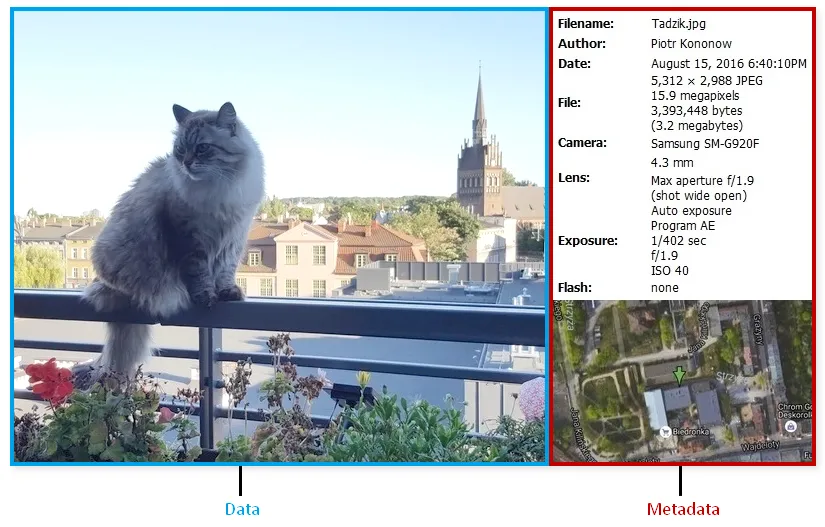
Many images contain metadata (also called EXIF data). Knowing SEO helps here. This includes information about the photographer, copyright details. You’ll also find the date the image was created. Use tools like Adobe Photoshop, Windows File Explorer, or online EXIF viewers.
If you right-click on an image file on your computer, go to “Properties,” and then the “Details” tab. You may find copyright information embedded in the file. If it states that the image is copyrighted, you need permission to use it.
3. Look for Watermarks or Copyright Notices
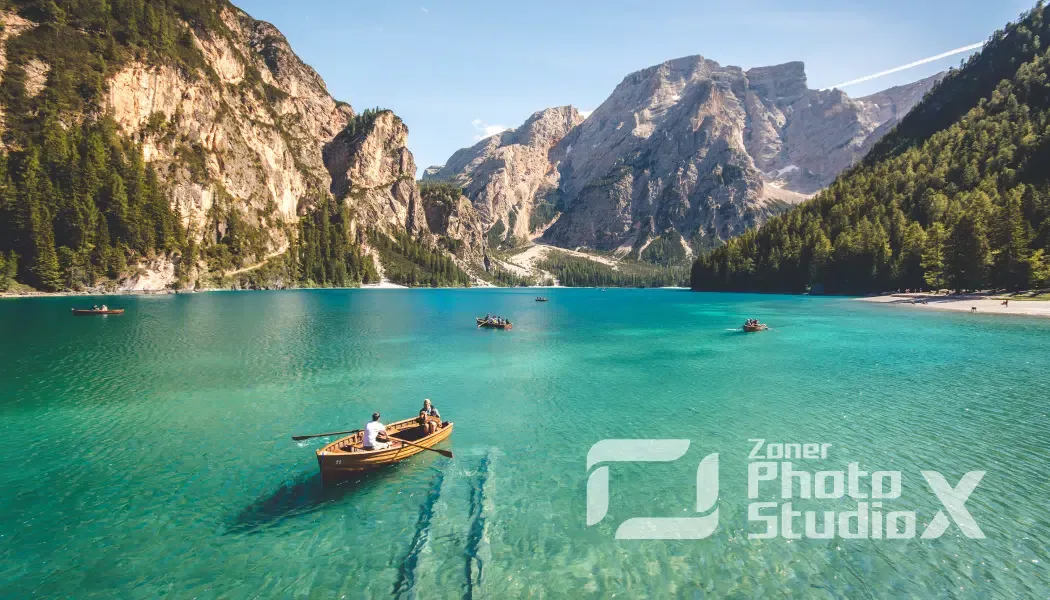
A watermark is a clear sign that an image is copyrighted. Many photographers and stock photo agencies place watermarks over their images. This helps prevent unauthorized use. Even if you remove the watermark, it doesn’t mean the copyright disappears. This is still an infringement under Canadian law.
An image with the text “Adobe Stock” or “Shutterstock” faintly visible across it is protected. Then you need a proper license to use it. .
4. Check the Source Website
If you find an image on a website, check its terms of use, licensing policies, or attribution requirements. Many professional photographers and websites outline their copyright policies clearly.
For example, if an image is from a personal photography website and there is a copyright notice stating “All rights reserved,” you must contact the owner to request permission.
5. Assume It’s Copyrighted Unless Stated Otherwise
In Canada, copyright protection is automatic when an image is created. This means unless an image is explicitly labeled as “public domain” or under a “Creative Commons” license, you should assume it is copyrighted.
To check photo copyright, some websites like Unsplash, Pexels, and Pixabay provide royalty-free images that can be used freely. However, always check their terms, as some images may require attribution.
6. Look at the Image’s Licensing Terms
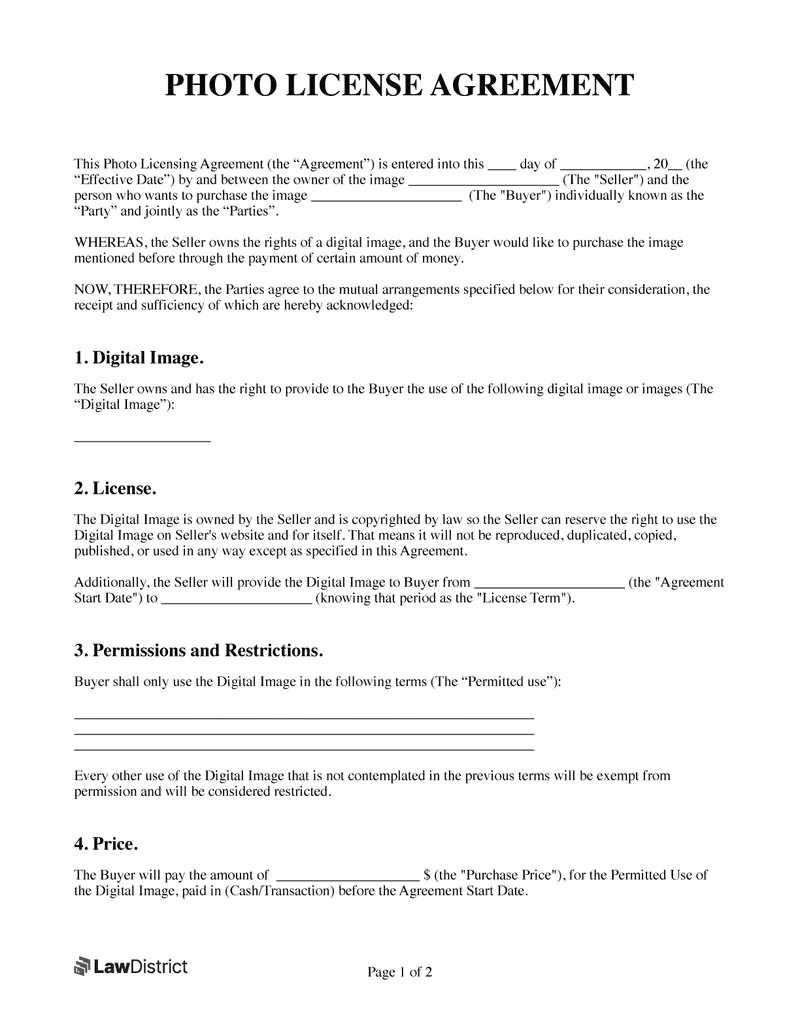
You can find images under specific licensing terms, such as Creative Commons (CC) licenses. Creative Commons images come with different permissions. This ranges from requiring attribution to allowing modifications. You can check the license type on platforms like Wikimedia Commons or Flickr.
For example, an image labeled under a “CC BY-NC” license means you can use it. But only for non-commercial purposes. Remember, you have to give proper credit.
7. Use Copyright Check Websites
There are websites that allow you to check if an image is copyrighted. Some stock photo providers and copyright databases keep track of registered images.
Websites like the Canadian Intellectual Property Office (CIPO) or the U.S. Copyright Office have searchable databases where you can look up registered works.
8. Contact the Creator or Owner
If you’re still unsure whether an image is copyrighted, the best course of action is to contact the creator directly. Many photographers and artists are willing to grant usage rights if you ask for permission. Some may require a licensing fee.
Wrap Up
Copyright is a big deal! Infringing copyright is an offense, and anyone committing such an offense can’t get away with it. So, if you understand how to know if pictures are copyrighted, it keeps you from trouble.
Different copyright owners use different conditions for their copyrighted images.Don’t use copyrighted images without following the stated terms. Or else you may be punished heavily.We hope you found this guide helpful in understanding how to detect a copyrighted image. For professional legal advice on copyright and intellectual property, you can always talk to us.


